

As a supplier of Cheap UPS Battery Backup, I often encounter customers who have questions about resetting their UPS batteries. A UPS, or Uninterruptible Power Supply, is a device that provides emergency power to a load when the input power source fails. Over time, the battery in a UPS can lose its charge capacity or develop other issues, and resetting it can sometimes resolve these problems. In this blog post, I'll walk you through the process of resetting a cheap UPS battery backup.
Understanding the Need for Resetting
Before we delve into the reset process, it's important to understand why you might need to reset your UPS battery. There are several reasons:
- Battery Degradation: Over time, the battery in a UPS will naturally degrade. This can lead to a reduced capacity to hold a charge, which means the UPS will not be able to provide power for as long during an outage.
- Power Surges or Outages: A power surge or outage can cause the UPS to malfunction. Resetting the UPS can sometimes restore its normal operation.
- Software Glitches: Like any electronic device, a UPS can experience software glitches. Resetting the device can clear these glitches and get the UPS back to working properly.
Preparing for the Reset
Before you start the reset process, there are a few things you need to do:
- Gather the Necessary Tools: You'll need a Phillips head screwdriver to open the UPS case. Make sure you have one on hand.
- Turn Off the UPS: Before you start working on the UPS, make sure it is turned off and unplugged from the power source. This will prevent any electrical shocks.
- Locate the Battery: The battery in a UPS is usually located inside the device. You may need to remove the case to access it. Refer to the user manual for your specific UPS model for instructions on how to do this.
Step-by-Step Reset Process
Now that you're prepared, here's how to reset a cheap UPS battery backup:
- Remove the Battery: Use the Phillips head screwdriver to remove the screws holding the battery in place. Carefully lift the battery out of the UPS.
- Discharge the Battery: To fully reset the battery, you need to discharge it. You can do this by connecting a resistor across the battery terminals. The resistor should have a resistance of around 10 ohms and a power rating of at least 10 watts. Leave the resistor connected for about an hour to ensure the battery is fully discharged.
- Recharge the Battery: After the battery is fully discharged, connect it to a battery charger. Make sure the charger is set to the correct voltage and current for your battery. Charge the battery for at least 24 hours to ensure it is fully charged.
- Reinstall the Battery: Once the battery is fully charged, carefully reinstall it in the UPS. Make sure the battery is properly connected and the screws are tightened.
- Test the UPS: Plug the UPS back into the power source and turn it on. Test the UPS by unplugging it from the power source to see if it provides power to your devices. If the UPS works properly, you have successfully reset the battery.
Troubleshooting
If you encounter any problems during the reset process, here are some troubleshooting tips:

- Battery Not Charging: If the battery is not charging, check the charger to make sure it is working properly. You may also need to replace the battery if it is damaged.
- UPS Not Working: If the UPS is not working after the reset, check the connections to make sure they are secure. You may also need to contact the manufacturer for further assistance.
- Error Messages: If the UPS displays an error message, refer to the user manual for your specific UPS model for instructions on how to resolve the issue.
Different Types of UPS Battery Backups
At our company, we offer a variety of UPS battery backups to meet different needs. Here are some of the types we offer:
- Compact Ups Battery Backup: These are small, portable UPS battery backups that are ideal for home or office use. They are easy to install and provide reliable power protection for your devices.
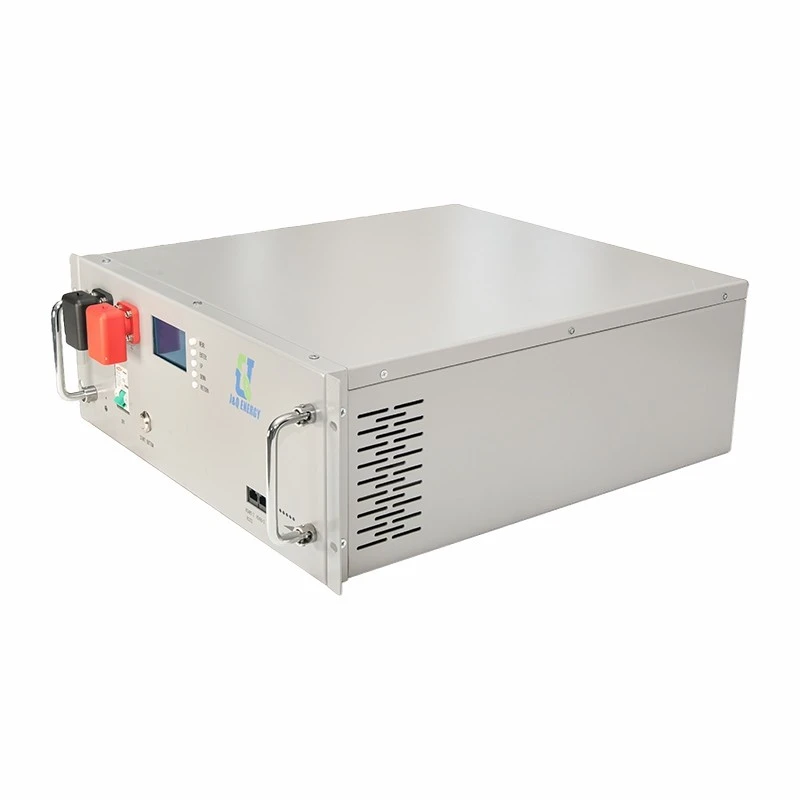
- Rack Mount Ups Battery Backup: These are designed to be mounted in a rack, making them suitable for data centers and other commercial applications. They offer high-capacity power protection and can be easily integrated into existing systems.
- Industrial Ups Power Backup: These are heavy-duty UPS battery backups that are designed for industrial applications. They can provide power for extended periods of time and are built to withstand harsh environments.
Contact Us for More Information
If you have any questions about resetting your UPS battery backup or if you're interested in purchasing a UPS battery backup from us, please don't hesitate to contact us. Our team of experts is available to assist you with any questions you may have and to help you find the right UPS battery backup for your needs.
References
- Manufacturer's user manuals for UPS battery backups
- Online resources on UPS battery maintenance and troubleshooting